« Back to Pillar Page: Is Blackbox AI Truly Free?
Blackbox AI vs GitHub Copilot: The $10,000 Enterprise Mistake
- Compliance Benchmarking: Enterprise vendor evaluation requires strict alignment with ISO/IEC 42001 (Section 8 - Operations) to assess operational criteria between competing AI systems.
- Latency Realities: While both tools claim near-instant generation, real-world context window parsing reveals stark differences in IDE performance.
- The Security Threat: Deploying consumer-grade tiers in an enterprise environment is the fastest route to a proprietary data leak.
- Total Cost of Ownership: The true ROI depends heavily on your team's primary tech stack and whether they require deep code refactoring or simple snippet generation.
Choosing the wrong AI coding assistant is a six-figure mistake in lost productivity.
Engineering teams are locked in fierce debates over IDE plugins, agonizing over which tool actually delivers on its promises without compromising code security.
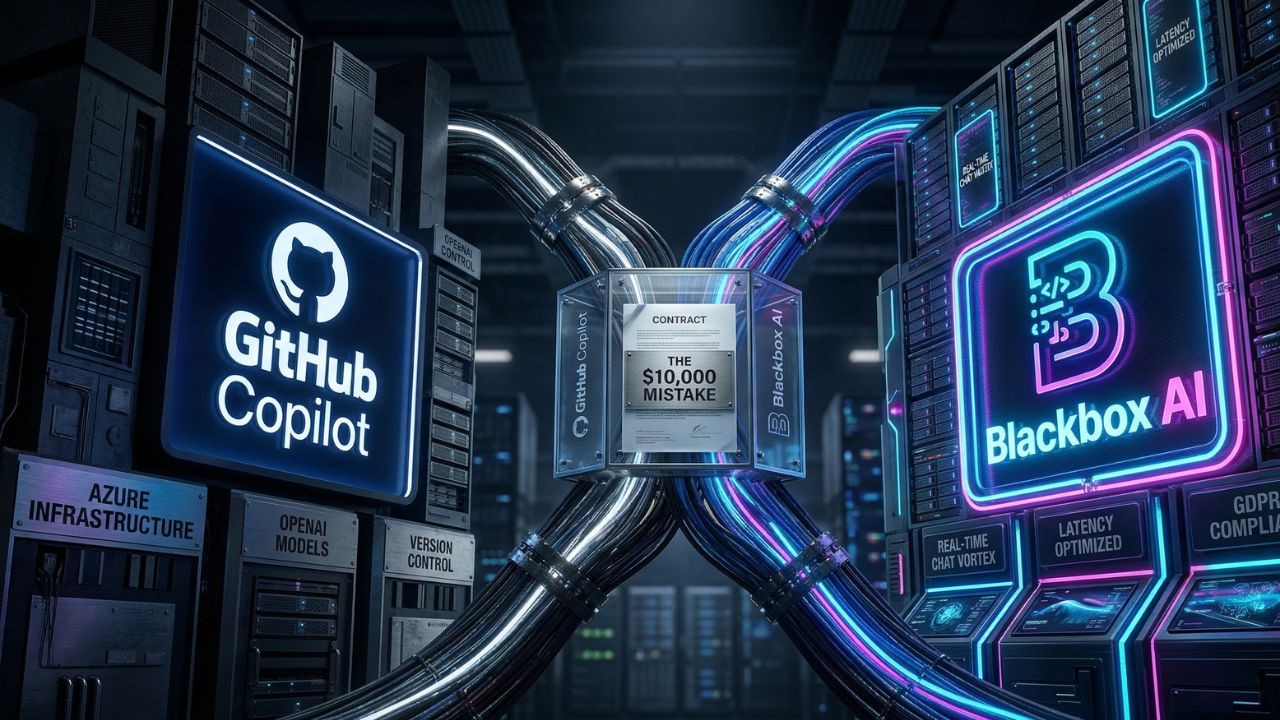
In the battle of Blackbox AI vs GitHub Copilot, which one actually justifies the enterprise license?
As detailed in our master guide on Is Blackbox AI Truly Free? The Honest 2026 Review for Devs & PMs, adopting an AI assistant without a rigorous evaluation framework exposes your enterprise to immense risk. You must benchmark latency, privacy, and true ROI before committing.
Evaluating the Architecture: Speed, Scale, and Support
When evaluating enterprise AI coding tools, latency is the silent killer of sprint velocity.
If developers are waiting more than 400 milliseconds for an inline suggestion, their flow state is broken.
GitHub Copilot relies heavily on OpenAI's advanced models, deeply integrated into the Microsoft/GitHub ecosystem.
This affords it incredible contextual awareness across multi-file codebases. Conversely, Blackbox AI positions itself as a lightweight, lightning-fast alternative tailored for quick snippet retrieval and search.
For teams scaling operations globally, licensing costs vary wildly. If your engineering hub is located in South Asia, for example, navigating regional pricing models is essential.
We break this down in our guide on Blackbox AI Pricing in India: Are GCCs Overpaying in 2026?.
Feature Comparison: Copilot vs Blackbox
| Metric | GitHub Copilot Enterprise | Blackbox AI Premium |
|---|---|---|
| Context Window | High (Workspace-aware) | Moderate (File/Snippet-focused) |
| Refactoring Engine | Deep semantic understanding | Fast syntax injection |
| IDE Ecosystem | Native VS Code, JetBrains, Visual Studio | VS Code, Web Native |
| Enterprise Security | SOC2, Strict Zero-Retention | Tier-dependent (Requires audit) |
Pro-Tip: Avoid Extension Conflicts
Never force your team to run conflicting autocomplete engines. If you try to run Blackbox AI and Copilot at the same time, you will cause severe VS Code extension clashes, double-triggering ghost text and spiking local CPU usage.
The Hidden Trap: What Most Teams Get Wrong About Enterprise Security
The most critical mistake engineering managers make when choosing between blackbox ai vs github copilot is ignoring ISO/IEC 42001 operational compliance.
Many teams mistakenly assume that paying for a basic premium tier automatically grants them enterprise-grade data security. It does not.
If your developers are using standard accounts, their proprietary code snippets might still be subject to telemetry logging for future model training.
Before rolling out any tool, you must enforce a strict policy on data localization and cross-border transfers.
If some of your developers are bypassing procurement to use consumer tiers, read our warning: Blackbox AI Free Plan: The Hidden Data Trap You Need to Know.
Frequently Asked Questions (FAQ)
Which is better: blackbox ai vs github copilot?
GitHub Copilot is generally better for complex, enterprise-level codebase integration and deep refactoring. Blackbox AI shines as a lightweight, rapid-response tool for quick snippet retrieval and search-based programming tasks. Your choice depends on your team's specific workflow.
Is Blackbox AI faster than Copilot?
For simple, single-line completions and web-based code searches, Blackbox AI can sometimes return results faster due to its lightweight architecture. However, Copilot offers superior speed when generating large blocks of contextually accurate code across multiple files.
Which is cheaper: GitHub Copilot or Blackbox AI?
Blackbox AI generally offers a lower entry price point, making it attractive for solo developers or tight-budget startups. However, GitHub Copilot's enterprise pricing often provides better overall value (ROI) when factoring in native IDE integration and robust security indemnification.
Does Blackbox AI support more languages than Copilot?
Both platforms support a massive array of programming languages, covering all modern frameworks. Copilot tends to have a slight edge in niche or legacy languages due to its training data encompassing the vast majority of public GitHub repositories.
Which tool has better enterprise security?
GitHub Copilot Enterprise currently leads in B2B security, offering strict zero-data-retention policies, SOC2 compliance, and indemnification. Blackbox requires careful auditing of its terms of service to ensure it meets strict ISO/IEC 42001 operational criteria.
Can I run Blackbox AI and Copilot at the same time?
Technically yes, but it is highly discouraged. Running both VS Code extensions simultaneously will cause ghost text conflicts, duplicate suggestions, and significant local performance degradation. Pick one AI pair programmer to optimize your workflow.
Which has a better VS Code extension?
GitHub Copilot has a superior, more seamlessly integrated VS Code extension. Because Microsoft owns both GitHub and VS Code, the native UI interactions, chat interface, and workspace awareness feel significantly more polished than third-party plugins.
How do the context windows compare between the two?
GitHub Copilot utilizes an advanced, dynamic context window that parses your entire active workspace, open tabs, and related files. Blackbox AI typically focuses its context window more narrowly on the immediate active file and your direct prompt inputs.
Which AI provides better code refactoring?
GitHub Copilot provides vastly superior code refactoring. Its deep semantic understanding of your entire repository allows it to suggest complex architectural changes, whereas Blackbox is better suited for generating net-new boilerplate or isolated functions.
Do developers prefer Blackbox or Copilot in 2026?
According to 2026 industry surveys, enterprise developers overwhelmingly prefer GitHub Copilot for daily workflow integration. However, Blackbox retains a loyal following among students, rapid prototypers, and developers seeking immediate web-search capabilities within their IDE.
Next Steps for Your Engineering Team
Don't let rogue IDE extensions compromise your proprietary codebase. Would you like me to generate a side-by-side POC (Proof of Concept) testing framework so your engineering leads can benchmark latency and compliance internally?