Minimum RAM For Llama 4: 3 Steps to Stop System Crashes
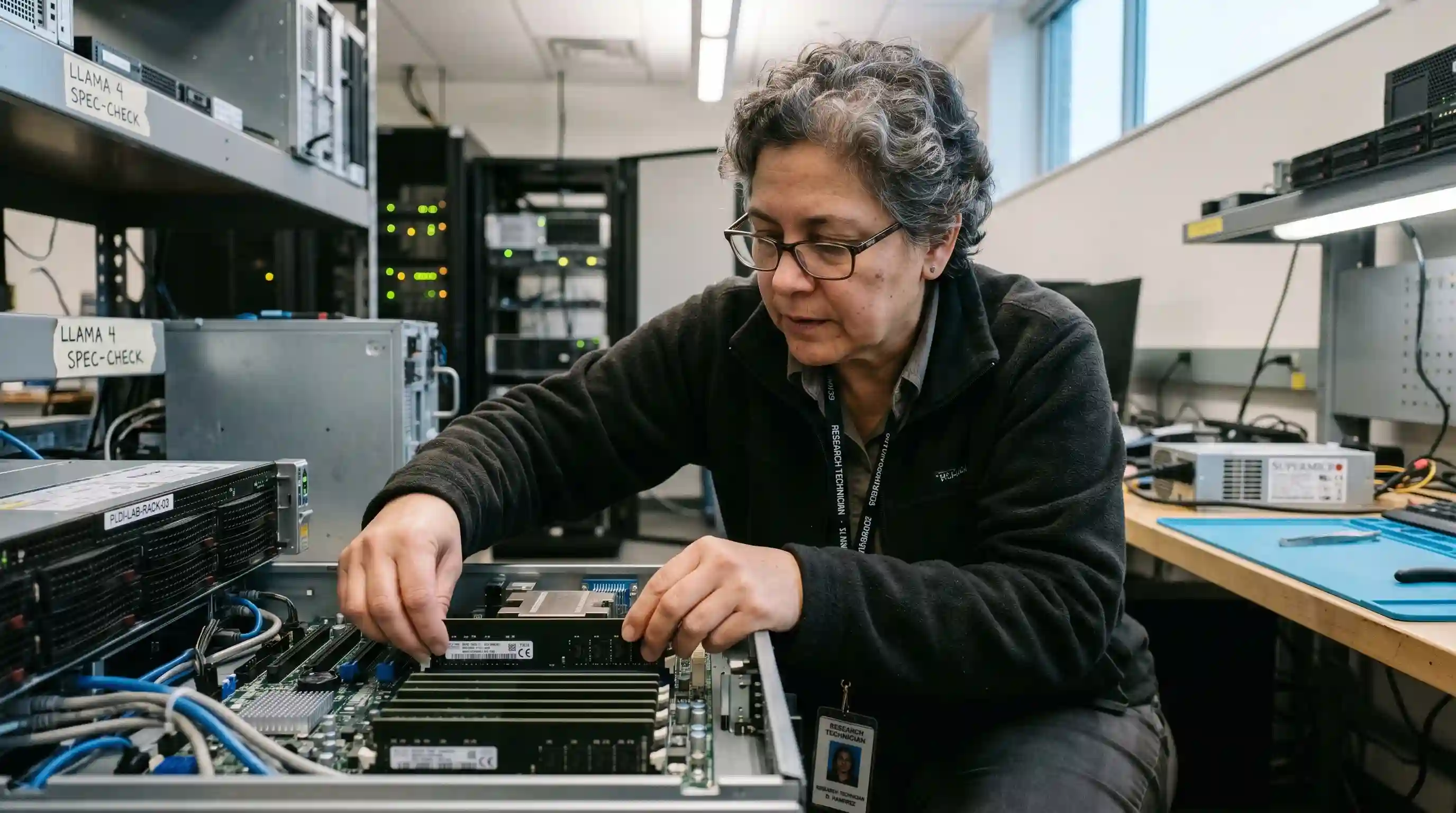
- Avoid Official Minimums: Standard marketing specifications often ignore the massive memory overhead actively required for extended context windows in production.
- The 2x Rule: For stable enterprise performance, aim for double the model's uncompressed weight in total system/video RAM to comfortably accommodate the KV cache.
- Resource Compliance: Systematically aligning your local hardware to ISO/IEC 42001 ensures sustainable resource management for scaling internal AI systems.
- Hardware Synergy: Pair your RAM strategy with high-performance computational components, as explored in our foundational RTX 5090 VRAM requirements guide.
Following the official minimum RAM for Llama 4 specs is a guaranteed recipe for catastrophic system failure and completely unworkable token generation speeds. As explored in our comprehensive best laptop for local llm breakdown, sending proprietary enterprise code to generic cloud models is a strict compliance disaster waiting to happen. You must build locally, but you must build intelligently.
When your hardware hardware chokes mid-inference, it does not just stall your active workflow; it actively risks data corruption and burns highly expensive engineering hours. As deeply detailed in our master architectural guide, Best AI Laptop Local LLM Guide: The Specs Big Tech Hides, explicitly understanding the vital delta between a "bootable" state and a fully "functional" state is the only reliable way to secure a professional-grade deployment.
Step 1: Calculate the Context Window Overhead
The vast majority of engineering teams focus solely on the model's raw parameter count (e.g., 8B or 70B). However, the active context window is the silent RAM killer. As your localized conversation history aggressively grows, the Key-Value (KV) cache expands linearly within memory, often requiring several additional gigabytes significantly beyond the base model weights.
In this baseline estimation formula, M represents the total memory footprint, P is the number of parameters, B stands for bits per weight (precision), C equals the context length, L defines the total model layers, and H is the hidden dimension size. Completely ignoring that crucial second half of the equation (the KV cache overhead) is the exact reason why seemingly capable 16GB systems violently crash on long prompt sequences.
Step 2: Implement Advanced Quantization Strategies
If you cannot immediately upgrade your physical hardware topology, you must aggressively shrink the mathematical footprint of the model itself. Utilizing advanced 4-bit or 6-bit quantization routines (such as GGUF or EXL2 formats) can effectively reduce the minimum RAM for Llama 4 by over 60% with an almost negligible loss in complex reasoning capability.
The Quantization Efficiency Matrix
| Llama 4 Variant Size | Weight Precision | Minimum RAM (Safety Buffer) | Expected Performance Tier |
|---|---|---|---|
| 8B | FP16 (Original Base) | 24GB | High Latency / Stable |
| 8B | 4-bit (Highly Quantized) | 12GB | Low Latency / Fast |
| 70B | 4-bit (Quantized) | 48GB - 64GB | Enterprise Standard |
| 70B | 8-bit (Mildly Quantized) | 80GB+ | High Precision Analytical Work |
Expert Infrastructure Insight Never rely on "Swap" memory allocations for AI inference. While modern operating systems can map an NVMe SSD to function as emergency RAM, the severe bandwidth bottleneck will inevitably drop your tokens-per-second generation to near zero, rendering the entire model functionally useless for real-time agentic workflows.
Step 3: Optimize Hardware Topology
System RAM (DDR5 standard) and specialized Video RAM (GDDR6/GDDR7) are fundamentally not treated equally by Llama 4 inference engines. For the absolute fastest response times, you want the entirety of the model parameters to reside exclusively inside the GPU's VRAM. However, if you are forced to build a budget-conscious AI workstation, ensure you provision at least 64GB of high-speed dual-channel DDR5 to safely handle the computational overflow.
Before finalizing your procurement build, strictly compare how different silicon architectures handle this intense memory pressure in our deep-dive analysis of MacBook M4 Max vs Windows for AI. Proper upfront provisioning definitively ensures your ultimate deployment aligns directly with understanding RTX 5090 VRAM requirements.
The Hidden Trap: Why "Minimums" Lead to System Freezing
The globally "recommended" hardware specifications marketed for open-source models are often a deliberate falsehood designed to drive engagement and download metrics, rather than to ensure resilient production stability. What the majority of data science teams get painfully wrong is failing to account for the "System Reservation" overhead factor.
Your base operating system (Windows 11 or macOS Sequoia) and active background IDEs (like VS Code or PyCharm) can easily consume 4GB to 8GB of active RAM before you even type the command to launch a local model. If you recklessly attempt to execute a Llama 4 8B framework on a strictly 16GB laptop, you are effectively leaving zero margin for the KV cache or background OS tasks. The inevitable result is a catastrophic "Hard Freeze"—a state where the underlying kernel brutally kills the AI process to save the system, or worse, the entire machine requires a physical hard reboot.
Frequently Asked Questions (FAQ)
What is the actual minimum RAM for Llama 4 8B?
To execute Llama 4 8B effectively without encountering crashes, 16GB is the absolute hard floor strictly for a heavily quantized version. However, 24GB is the professional recommendation to securely handle extended context windows and standard OS overhead.
How much physical memory does Llama 4 70B explicitly need?
For the massive 70B parameter variant, you require at least 48GB of RAM if utilizing strict 4-bit quantization. For unquantized, full-precision enterprise deployment, 128GB of Apple unified memory or a complex multi-GPU workstation setup featuring 80GB+ of VRAM is legally required.
Can I run Llama 4 on a standard 16GB RAM laptop?
Yes, but exclusively the smaller 8B variant heavily coupled with aggressive 4-bit or 3-bit quantization techniques. Expect severe and noticeable performance degradation if your processing context window expands beyond a few thousand tokens.
Does DDR System RAM matter as much as VRAM for Llama 4?
Dedicated VRAM is exponentially faster for tensor inference calculations. System RAM merely acts as a computational "safety net," but relying on it will universally result in drastically slower token generation speeds if the AI model is too voluminous for the GPU alone.
How do I effectively quantize Llama 4 to fit within my RAM?
Deploy open-source tools such as llama.cpp or AutoGPTQ to programmatically convert the massive model into compressed GGUF or EXL2 file formats. This process allows you to surgically select a "bits-per-weight" resolution that perfectly fits your specific hardware profile limits.
What physically happens if you lack the minimum RAM for Llama 4?
The most frequent outcome is a fatal "Out of Memory" (OOM) error, resulting instantly in a crashed terminal application or a completely locked system freeze as the host OS desperately attempts to page the massive memory overflow.
Is DDR5 RAM explicitly required for Llama 4 inference?
While not strictly "required" by the compiler, the dramatically increased bandwidth channels of DDR5 significantly mitigate the severe performance penalties encountered when a large model is forced to spill over from dedicated VRAM into shared system RAM.
How do you restrict or allocate RAM for local AI models?
You can enforce limits utilizing system environment variables (such as MALLOC_CONF) or configure specific layer offloading loader settings within execution tools like Ollama or LM Studio to explicitly bound the maximum amount of memory a model is permitted to consume.
What is the context window impact on RAM for Llama 4?
As the processing context window expands, the required RAM scales up linearly. Pushing a massive 32k context window can easily require several extra gigabytes of cached memory compared to a baseline 4k window calculation.
Can SSD swap memory be used for Llama 4 execution?
Technically yes, but it is highly and explicitly discouraged for production environments. The read/write speed of even a premium NVMe SSD is still multiple orders of magnitude slower than standard RAM, inevitably leading to unusable, staggered performance.