The Architecture Secret Inside Google's Android XR Update
Google just deployed the massive April 2026 Android XR update to the Samsung Galaxy XR, triggering a foundational shift in the spatial computing wars.
While consumer headlines focus heavily on turning standard 2D videos into 3D, the real payload is a quiet integration of state-restoration APIs and Android Enterprise support that entirely changes commercial return on investment.
Quick Facts
- Enterprise integration live: Android Enterprise natively supports the Galaxy XR for large-scale mobile device management rollouts.
- Auto-spatialization magic: Users can force standard 2D view hierarchies into 3D environments with a single tap.
- Session state saved: The headset now automatically restores up to three previous apps exactly where you left them after waking up.
- True hand tracking: Experimental Labs features remove digital outlines for seamless, native hand visibility.
What the Android XR April 2026 Update Means for the Ecosystem
The latest firmware rollout pushes the Galaxy XR far beyond a high-end consumer toy.
By introducing five core capabilities, Google is addressing the friction points that previously stalled widespread adoption of mixed reality headsets.
This deployment acts as a trojan horse. Beneath the glossy user interface upgrades lies a new rendering reality that will expose lazy frontend architecture.
It also signals a deeper play into workplace productivity, setting the stage for how Google Gemini 3 autonomous agents are redefining spatial computing.
Auto-Spatialization: The End of Flat 2D Apps
The most visible consumer change is a dynamic new rendering pipeline.
Found within the advanced settings under the Labs tab, auto-spatialization dynamically intercepts standard 2D content and injects Z-axis depth maps.
This means everyday applications running on Chrome or YouTube no longer look like flat screens hovering in your living room.
The operating system essentially converts 2D media into an immersive 3D experience without requiring developers to write a single line of native OpenXR code.
Persistent Wall Anchoring & Session State Restoration
Spatial computing has historically struggled with object permanence. Google is solving this with advanced spatial anchoring APIs that allow users to physically "pin" an application window to a real-world wall.
Coupled with the new automatic session restoration API, the Galaxy XR now remembers your virtual workspace.
If you take the headset off and it goes into standby mode, putting it back on will instantly reopen up to three previously used apps in their exact physical locations.
The Death of the White Outline: True Hand Tracking
Interacting with digital elements is also getting a massive realism upgrade.
Previous iterations relied heavily on digital outlines or synthetic representations of the user's hands.
The April 2026 patch introduces native hand tracking without those distracting digital overlays.
By rendering true hands, the interaction model feels vastly more intuitive and organic, minimizing the learning curve for non-technical users entering a spatial environment.
The Silent Game-Changer: Android Enterprise Integration
Everyone is distracted by Android XR turning 2D videos into 3D, entirely missing the enterprise MDM integration that just went live.
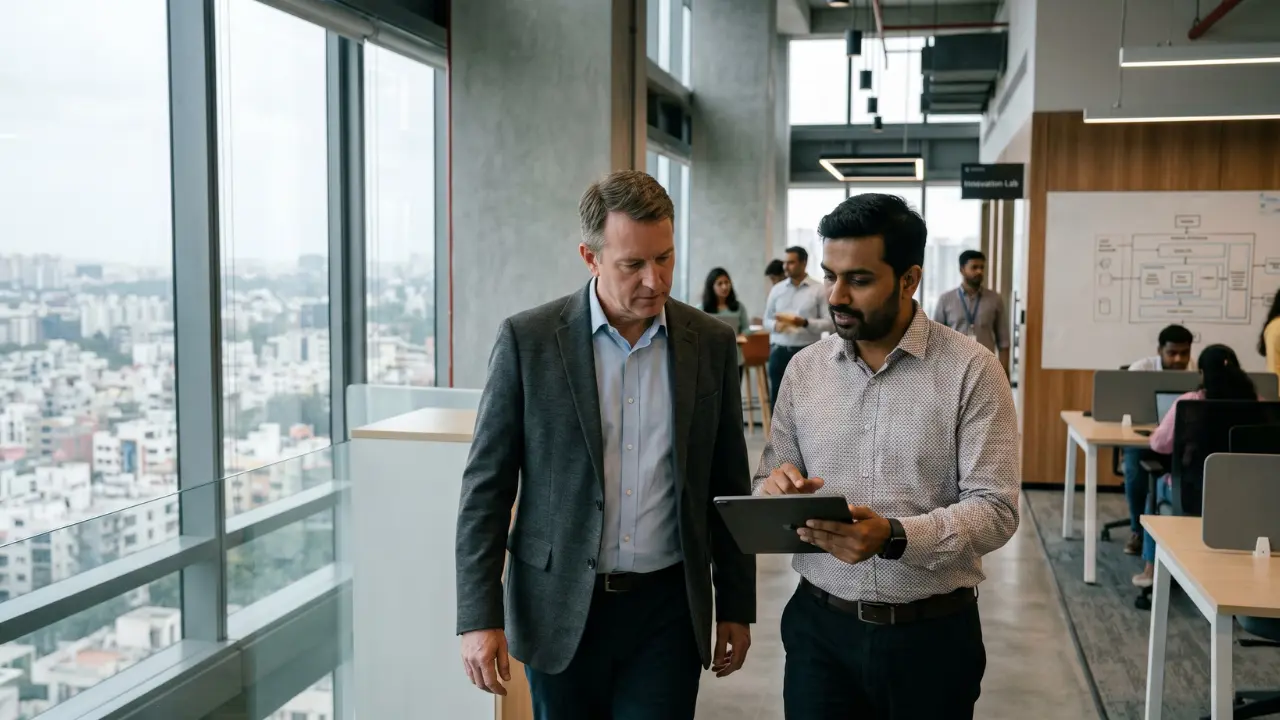
This is the architecture secret that offshore tech hubs and corporate IT departments have been waiting for.
By supporting Android Enterprise, Google just turned the Samsung Galaxy XR into a highly secure, scalable endpoint.
Companies can now deploy immersive hardware using the exact same zero-touch enrollment, managed Google Play environments, and Knox security policies they use for company smartphones.
"The expansion of Android Enterprise to Android XR brings the trusted security and management framework IT professionals rely on for millions of Android devices to the new era of spatial computing, starting with Samsung Galaxy XR."
— David Still, VP of Android Enterprise at Google.
How Galaxy XR Competes with Apple Vision Pro in 2026
Priced significantly lower than the Apple Vision Pro, the Galaxy XR is carving out a brutal middle ground.
Apple heavily guards its ecosystem, but Google's strategy is sheer scale and backward compatibility.
By allowing the vast library of existing Android applications to natively run, and optionally spatialize, inside a trusted, IT-compliant framework, the Android XR platform is actively removing the massive software development costs previously associated with virtual reality deployments.
Why It Matters
For developers, ensuring compatibility now requires strictly adhering to standard Android Canvas drawing protocols.
If your app's view hierarchy is poorly optimized, the auto-spatialization tool will likely break your UI instantly.
For CTOs and enterprise leaders, the calculation has fundamentally changed. The hardware is no longer an experimental silo;
it is a standardized, MDM-ready asset. The April 2026 update proves that spatial computing is finally ready for the corporate network.
Frequently Asked Questions (FAQs)
What features are in the Android XR April 2026 update?
The update introduces 2D-to-3D auto-spatialization, persistent app anchoring to physical walls, native hand tracking without digital outlines, automatic session restoration, and highly anticipated Android Enterprise support for large-scale immersive training.
How does Android XR auto-spatialization work?
Available in the Labs tab, it dynamically intercepts standard 2D applications (like Chrome and YouTube) and adds Z-axis depth maps, instantly converting flat interfaces and videos into immersive 3D experiences.
Does Samsung Galaxy XR support Android Enterprise?
Yes, the April 2026 update introduced native Android Enterprise support, allowing IT administrators to manage Galaxy XR headsets using existing Mobile Device Management (MDM) platforms, zero-touch enrollment, and Knox security policies.
How do you pin apps to walls in Android XR?
Users can leverage new spatial anchoring APIs and the wall panel alignment tool to accurately line up and pin content to physical vertical surfaces, keeping the applications permanently anchored in place during the session.
How do I enable hand tracking in Galaxy XR Labs?
Users can activate advanced tracking by navigating to the Android XR Settings app, selecting Advanced settings, and toggling the respective interaction features within the "Labs" tab to experience input without synthetic digital outlines.